
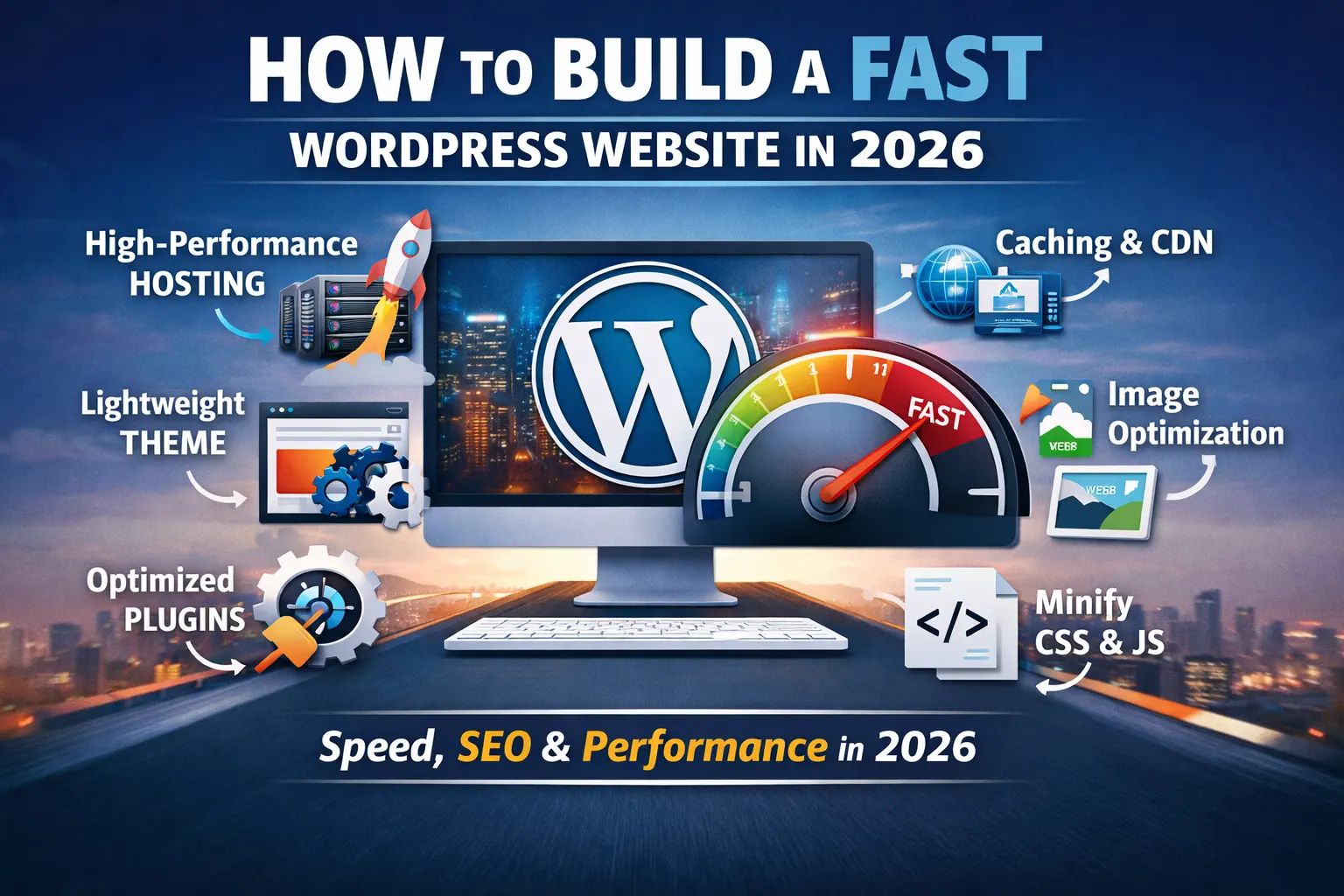
How to Make a WordPress Website in 2026 , speed is more than just a nice-to-have—it’s a critical factor for user experience, SEO, and conversions. A slow website can frustrate visitors and cause them to leave before engaging with your content or products. Fortunately, building a fast WordPress website is easier than ever if you follow the latest strategies and technologies. Here’s your complete guide.
1. Choose a High-Performance Hosting Provider
Managed WordPress Hosting: Providers like Kinsta, WP Engine, or Cloudways specialize in WordPress optimization.
Edge Caching & CDN Integration: Hosting that integrates with global CDNs ensures content is delivered from servers close to your visitors.
Support for PHP 8.3+ and HTTP/3: Latest technologies provide faster processing and improved security.
2. Use a Lightweight WordPress Theme
Minimalist, Performance-Optimized Themes: Themes like GeneratePress, Kadence, or Hello Elementor are optimized for speed.
Avoid Heavy Frameworks: Multipurpose themes with lots of features may look nice but slow down your site.
Clean Code: Ensure the theme follows WordPress coding standards and avoids unnecessary scripts.
3. Optimize Plugins
Use Only Essential Plugins: Audit your plugins and remove duplicates or unnecessary features.
Performance-Friendly Plugins: Look for plugins optimized for speed (e.g., WP Rocket for caching, ShortPixel for image optimization).
Avoid Page Builders with Excess Code: Elementor and Divi are popular, but use them smartly—don’t overload pages with nested elements.
4. Implement Caching and CDN
Page Caching: Use WP Rocket, LiteSpeed Cache, or a hosting-provided caching solution.
Object and Database Caching: Helps complex sites deliver content faster.
Content Delivery Network (CDN): Use Cloudflare, BunnyCDN, or StackPath to serve assets from servers worldwide.
5. Optimize Images and Media
Next-Gen Formats: Use WebP or AVIF for images.
Lazy Loading: Load images only when they enter the viewport.
Automatic Optimization Plugins: ShortPixel, Imagify, or Smush can optimize images automatically
6. Minify and Combine CSS & JS
Minify CSS, JavaScript, and HTML: Remove unnecessary spaces and comments.
Combine Files Where Possible: Reduces HTTP requests.
Use Asynchronous Loading: Load scripts asynchronously or defer them to prevent blocking rendering.
7. Use a Modern Database and PHP Setup
PHP 8.3+: Newer versions are significantly faster than older ones.
MariaDB or MySQL 10.5+: Optimized database engines improve query performance.
Regular Database Cleanup: Remove post revisions, transient options, and unused tables
8. Leverage Headless WordPress (Optional)
Headless Setup: WordPress serves content via REST API while a front-end framework like React, Vue, or Next.js handles rendering.
Faster Front-End: Reduces server-side processing and improves user experience.
SEO-Friendly: Ensure server-side rendering for search engine indexing.
9. Monitor Performance Regularly
Use Tools: GTmetrix, PageSpeed Insights, or WebPageTest to check loading times.
Core Web Vitals: Monitor LCP, FID, and CLS metrics.
Adjust as Needed: Identify slow scripts, optimize images, or tweak caching settings.
10. Keep WordPress Updated
WordPress Core Updates: Ensure the latest version is installed.
Plugin & Theme Updates: Avoid outdated versions that may slow down the site.
Security Measures: Use firewalls and malware scanning to prevent performance-draining hacks.
How to Make a WordPress Website in 2026 Building a fast WordPress website in 2026 requires a combination of the right hosting, lightweight themes, optimized plugins, caching, modern media formats, and continuous monitoring. By following these steps, you’ll deliver an excellent user experience, boost SEO, and stay ahead of competitors.
- Hosting matters: Managed WordPress hosting with CDN support is essential.
- Keep it light: Use minimal themes and only essential plugins.
- Optimize media: Compress images, use next-gen formats, and enable lazy loading.
- Caching & CDN: These reduce server load and improve global performance.
- Continuous monitoring: Track Core Web Vitals and optimize regularly.
In 2026, a fast website is no longer optional—it’s essential. Slow-loading WordPress sites can frustrate visitors, hurt SEO, call us